Moltbot Dedicated Phone Number Guide: Isolate Your AI Agent Identity (OTP/2FA + Webhooks)
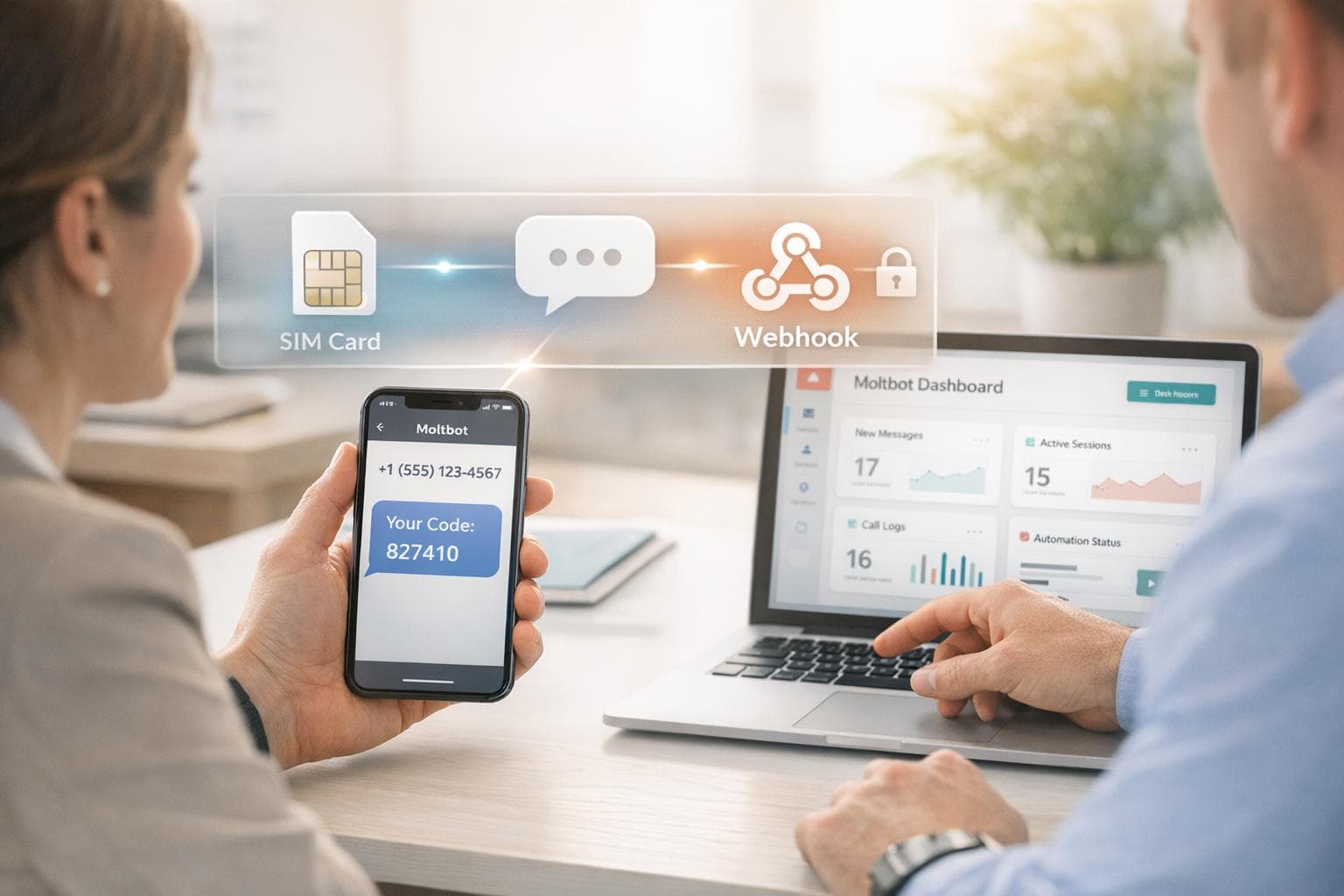
Moltbot (formerly "Clawdbot") is a local-first, open-source AI assistant you run on your own machine. It can interact through channels you already use (like Slack, Discord, Telegram, or WhatsApp), and it can automate real workflows across the accounts you connect to it.
Here's the catch: the more capable an AI agent becomes, the more important it is to keep its identity separate from yours. If your agent creates accounts, logs into dashboards, or handles shared access for a team, you should treat phone verification as part of your security boundary—not an afterthought.
TL;DR: Give Moltbot its own dedicated, real-SIM (non-VoIP) phone number for OTP/2FA so you don't tie your personal number to your agent's accounts—and route codes to the right place (dashboard, Slack/Discord/email, or a webhook).
Want the short version?
Get the short-version page here: Moltbot verification number (Real-SIM, non-VoIP).
What is Moltbot (and why "identity isolation" matters)?
Moltbot is part of a new wave of "agentic" assistants: it's not just a chatbot—you can connect it to tools and accounts and have it carry out real tasks. That's powerful, but it changes the risk profile compared to a normal AI chat app.
A practical rule: anything that can act on your behalf needs its own identity boundary. That includes a separate email, separate credentials, and—when platforms require it—a separate phone number for SMS verification.
Note: We're not affiliated with Moltbot. This guide is about a common setup pattern for agent builders who want better isolation.
When does Moltbot actually need a phone number?
Moltbot itself doesn't "require WhatsApp" or "require Telegram." Those are optional channels. The real reason people need a phone number is simpler:
You need a phone number when the accounts your agent uses require OTP/2FA verification. That could include:
- New email accounts (or account recovery)
- Cloud dashboards and developer tools
- Ads accounts, marketplaces, and vendor portals
- Any service that asks for "verify via SMS" during signup or re-verification
If you use your personal number for those verifications, you're effectively binding your personal identity to your agent's identity. That's the opposite of isolation.
Why give an AI agent a dedicated phone number?
1. Avoid identity bleed
If your personal number verifies your agent's accounts, you've created a hidden dependency: password resets, recovery flows, team sharing, audits, and long-term maintenance all get anchored to "whoever owns that phone."
2. Reduce blast radius
Agents can be exposed to untrusted content (messages, webpages, documents). Isolation isn't paranoia—it's engineering. A dedicated number (and dedicated accounts) helps keep a mistake from becoming a full personal compromise.
3. Make team workflows sane
For teams, OTP is often the worst bottleneck ("Who has the phone?"). A shared inbox + routing (Slack/Discord/email/webhooks) turns verification into an operational workflow instead of a human scavenger hunt.
Why VoIP numbers fail for verification
Many services block VoIP or virtual number ranges due to fraud and abuse. That means you can do everything right—and still get stuck on the verification step if you rely on a VoIP number.
A real-SIM, non-VoIP number generally has higher acceptance because it looks like a normal mobile line. It's not a guarantee (platform policies change), but it improves your odds and reduces re-verification pain.
The "Agent Identity Isolation" checklist
If you're serious about running Moltbot as an always-on assistant, treat it like a system with its own identity:
- Dedicated email for the agent (not your personal inbox)
- Dedicated real-SIM phone number for OTP/2FA
- Separate credentials (don't reuse personal passwords)
- Least-privilege access to accounts and APIs
- Routing for OTP (dashboard + notifications + webhooks)
- Secure runtime (avoid running the agent on your "keys and passwords" laptop)
- Logging & review for important actions (especially anything that spends money or changes credentials)
Most people skip steps 1–3 and regret it later. The phone number piece is often the missing link that makes isolation actually work in real life.
Where JoltSMS fits
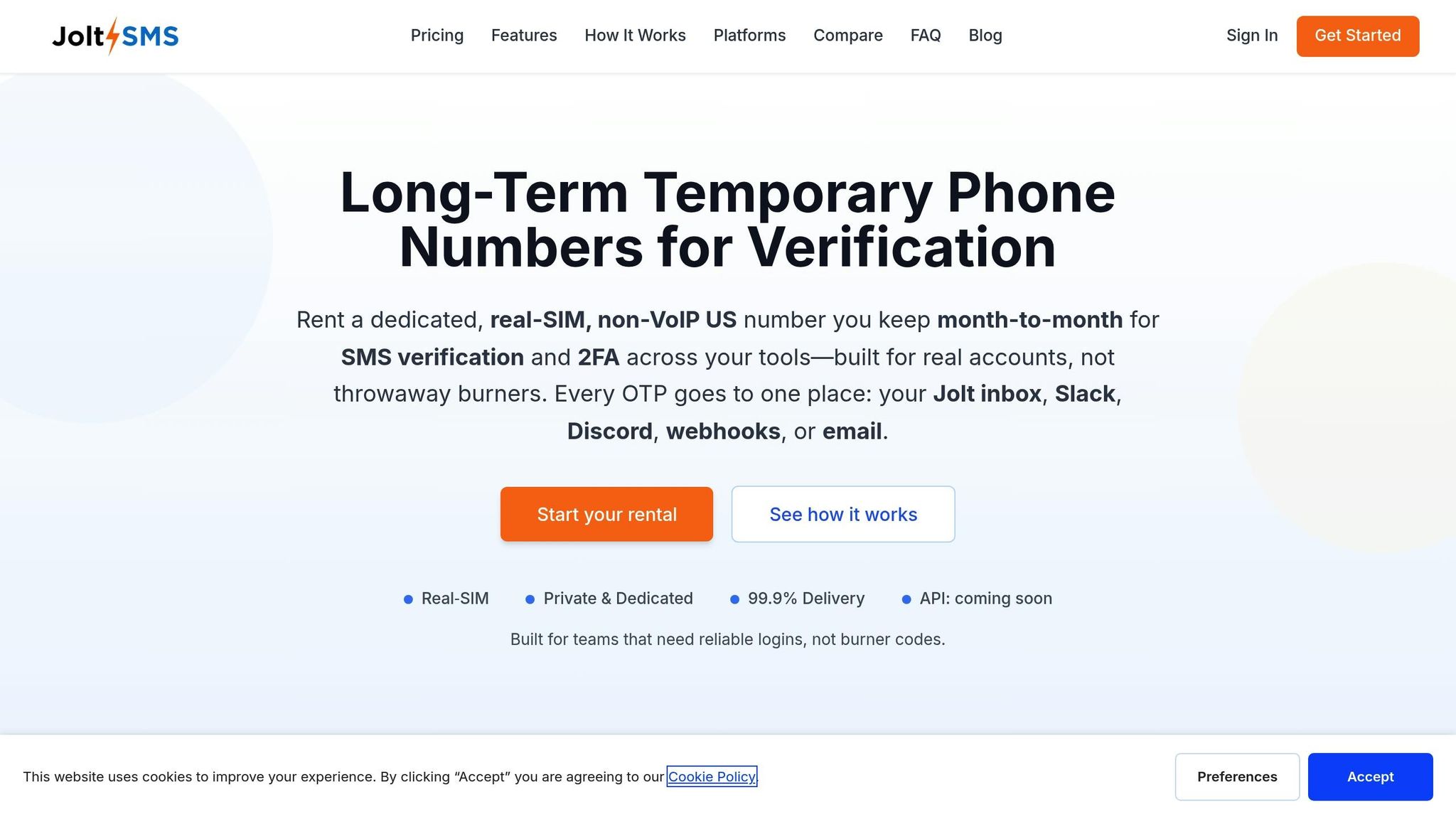
JoltSMS is built for one job: long-term rentals of real-SIM, non-VoIP US phone numbers for SMS verification. It's inbound-only (OTP/2FA and account maintenance texts), and it's designed for teams and automation:
- Dedicated number you keep long-term (useful when re-verification happens months later)
- Inbound verification SMS (no outbound texting)
- Shared inbox in the dashboard
- Routing via Slack/Discord/email and webhooks
- Flat $50/month
If you want the full feature list, see: Features · How it works · Docs · FAQ
Ready to isolate your agent identity? Start your rental now →
Three OTP delivery patterns (pick what matches your risk tolerance)
Pattern A: Dashboard inbox (simple, human-in-the-loop)
Use the JoltSMS dashboard to read verification codes manually. This is the safest starting point because you can review the flow and spot unexpected codes.
Pattern B: Slack/Discord/email notifications (team-friendly)
Route incoming OTP messages to the right channel so verification doesn't block one person. This is ideal when a shared service account needs occasional re-verification.
Pattern C: Webhooks (automation)
If you want Moltbot to proceed automatically, deliver OTP messages to a private webhook endpoint your automation can read. This is the most powerful pattern—and also the one that demands the most care. See our webhook documentation for setup details.
Security note for webhook automation
- Keep the webhook endpoint private (never public-post it)
- Verify webhook signatures
- Store only what you need (OTP codes are sensitive)
- Don't send OTPs to public chat rooms or wide channels
How to get a dedicated number for Moltbot (step-by-step)
-
Sign up and start your rental.
Go to joltsms.com/signup and start your rental. You'll get a dedicated US number. -
Use that number wherever OTP/2FA is required.
When an account asks for SMS verification, enter your JoltSMS number. -
Decide how you want to receive codes.
Start with the dashboard inbox, then add Slack/Discord/email or webhooks if needed. -
Keep it long-term.
Many platforms re-verify later. Keeping the same number prevents painful recovery loops.
If you want the short, conversion-focused version: Moltbot verification number (Real-SIM, non-VoIP).
Start your rental now → | View pricing
Common pitfalls (and how to avoid them)
- Running the agent on your "everything" laptop: keep your personal secrets separated from the agent environment.
- Over-automating OTP too early: start with the dashboard, then add webhooks once you trust the flow.
- Assuming any number works everywhere: policies change. Use isolation and plan for re-verification.
- Sending codes into wide team channels: OTPs are credentials—route them only to the people/systems that need them.
Safety & compliance
JoltSMS is for legitimate access to accounts you own or are authorized to manage. Always follow each platform's Terms of Service. We can't guarantee acceptance on every service—verification policies change over time.
FAQ
Does Moltbot require WhatsApp?
No. WhatsApp is optional. The reason to get a dedicated number is OTP/2FA verification for accounts your agent creates or accesses.
Can Moltbot receive OTP codes automatically?
Yes. You can forward codes via email/Slack/Discord, or deliver them to a private webhook endpoint that your automation reads.
Is this a VoIP number?
No. JoltSMS provides real-SIM, non-VoIP US mobile numbers designed for SMS verification workflows.
Does JoltSMS send outbound SMS?
No. JoltSMS is inbound-only—built for receiving verification codes and routing them to your dashboard, notifications, or webhooks.
Can I keep the number for re-verification later?
Yes. Keep the same number as long as your subscription is active—useful when services request re-verification months later.
Give Moltbot a dedicated real-SIM verification number
Stop mixing your personal number with AI automation. Receive OTP/2FA codes in a shared inbox, notifications, or webhooks.