How JoltSMS Works
End-to-end look at how JoltSMS rents numbers, receives SMS codes, and delivers them to your Inbox and integrations.
TL;DR
1) Number rental
Choose monthly or annual billing and complete checkout. JoltSMS assigns the next available U.S. number, which is dedicated to your account during the rental. Specific area codes are not currently selectable.
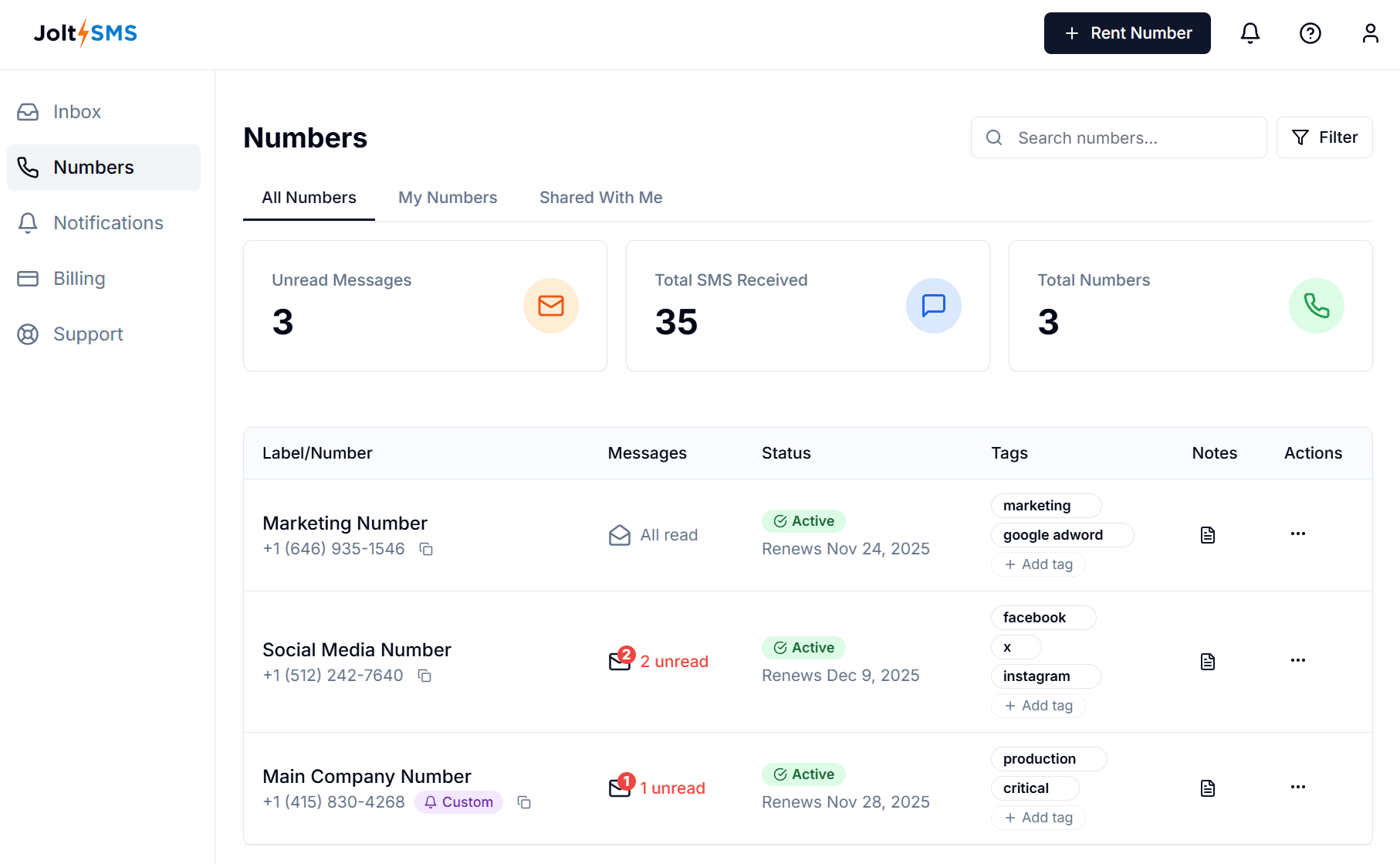
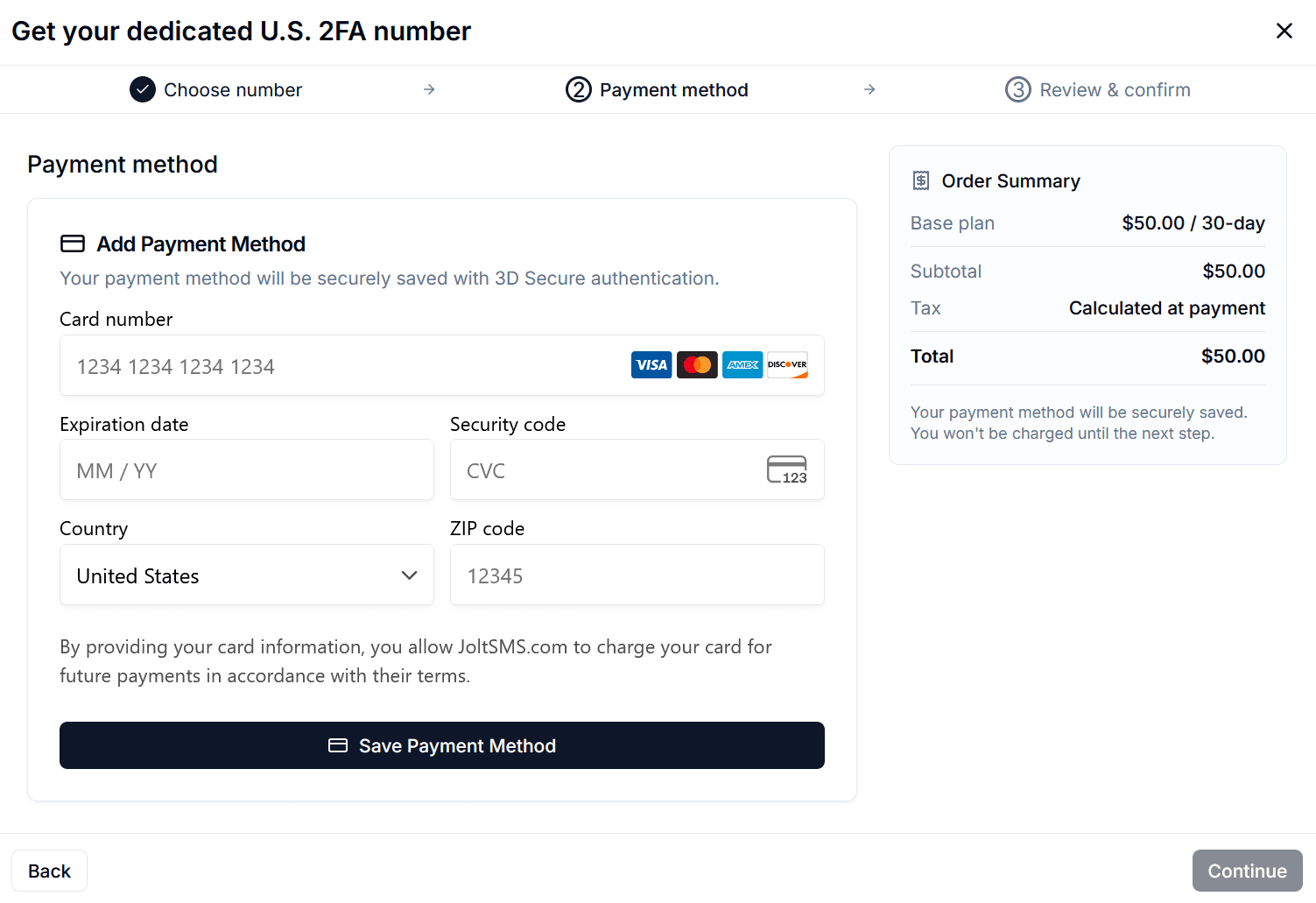
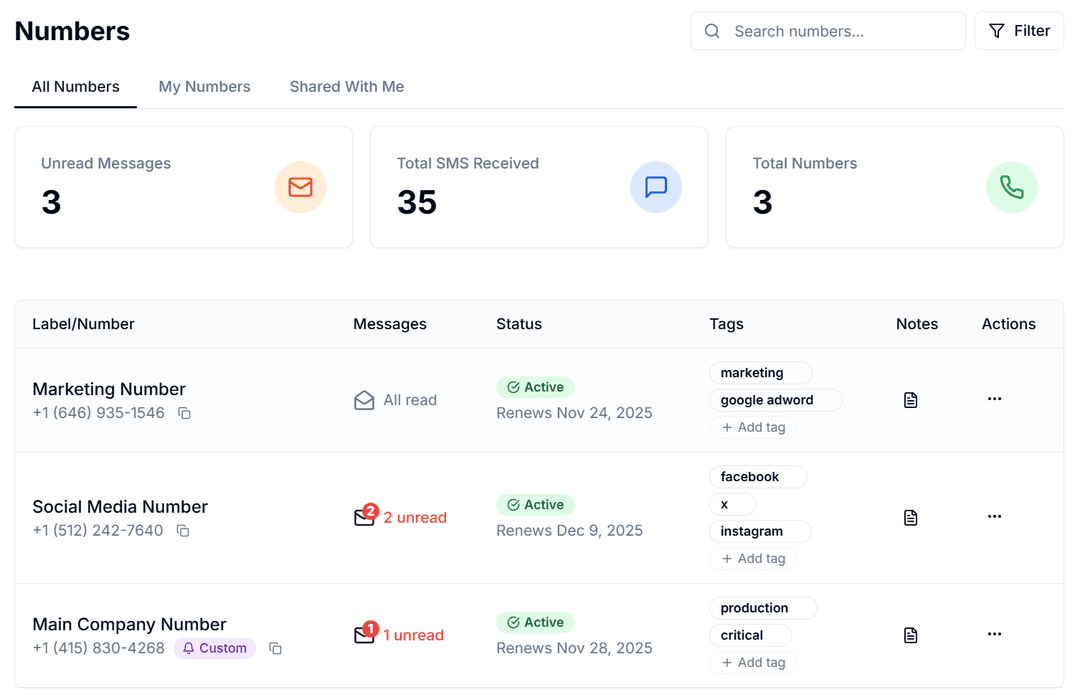
2) Inbound message delivery
Target services send SMS via their carriers to your rented number. JoltSMS receives, normalizes, and stores the message payload.
[Service/Website] → [Carrier Network] → [JoltSMS Number]
        ↓
  [JoltSMS Ingest]
        ↓
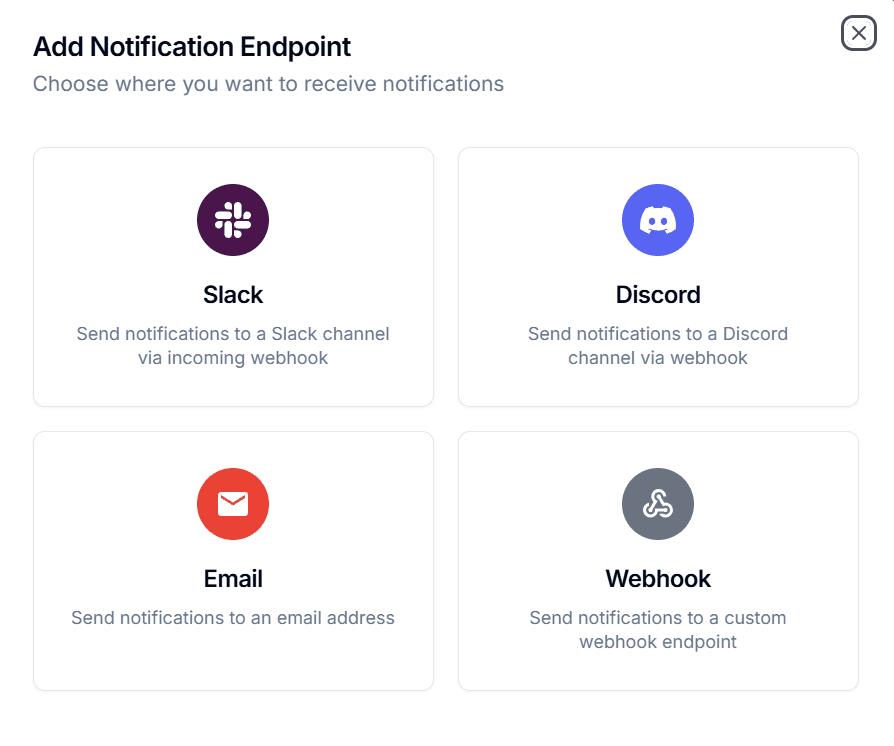
  [Inbox] + [Slack/Discord/Telegram/Teams/Webhook/Email]
3) Routing & storage (Inbox is the source of truth)
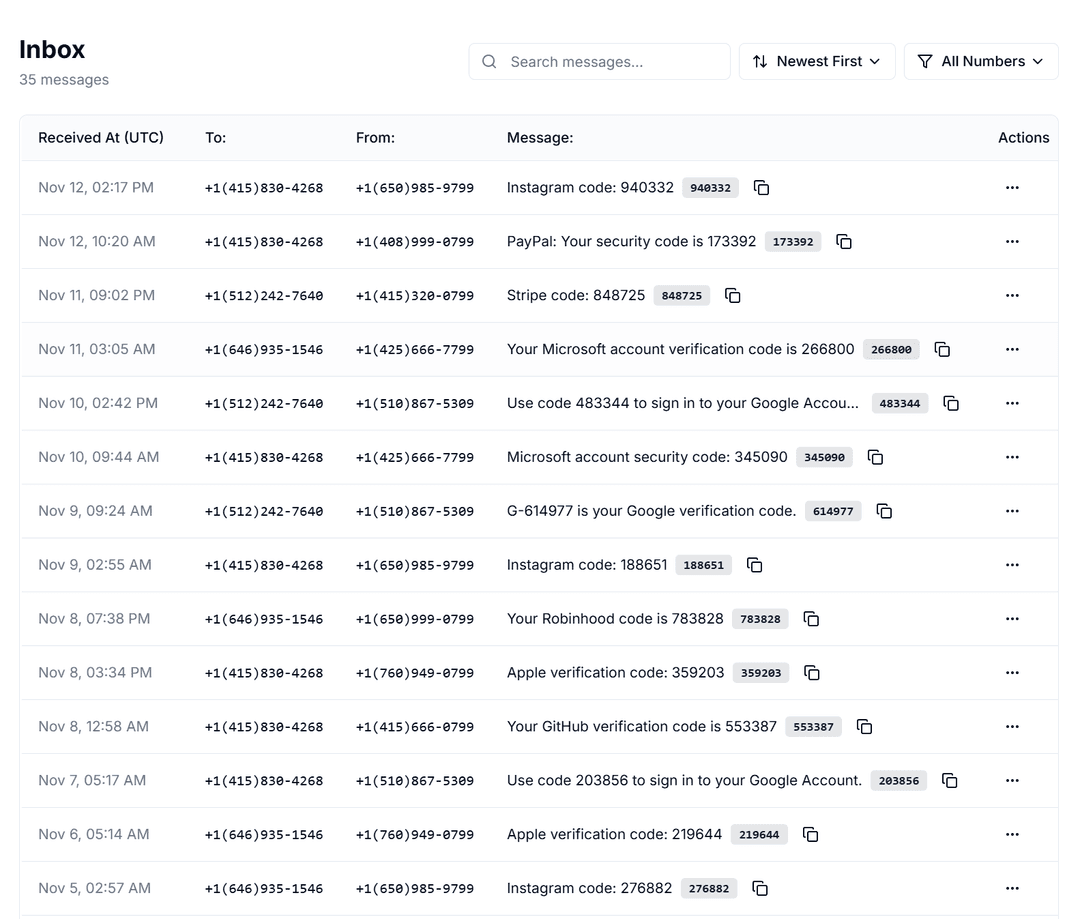
As messages arrive, they appear in Inbox with sender, timestamp, body, and metadata.
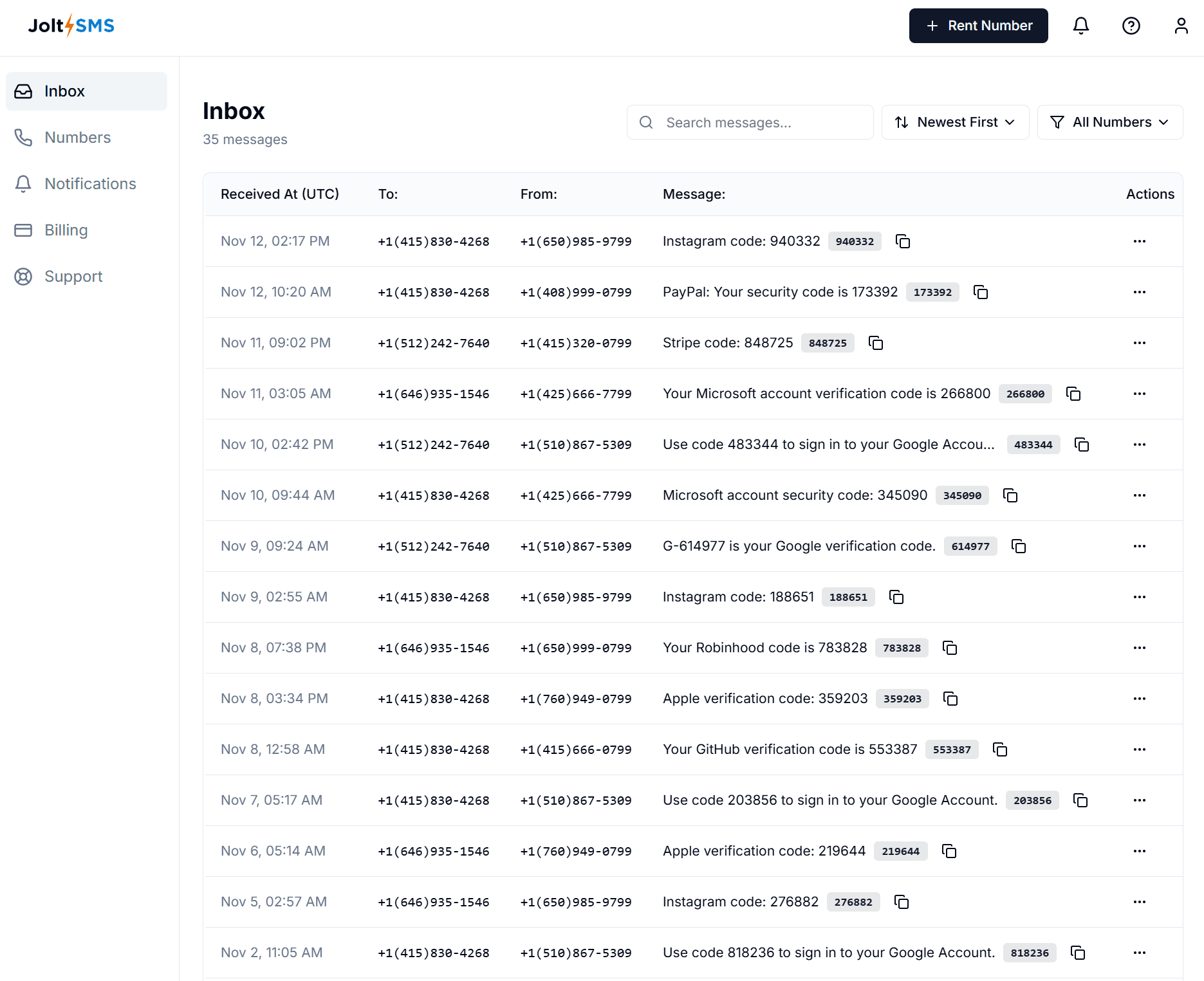
4) Optional fan-out to integrations
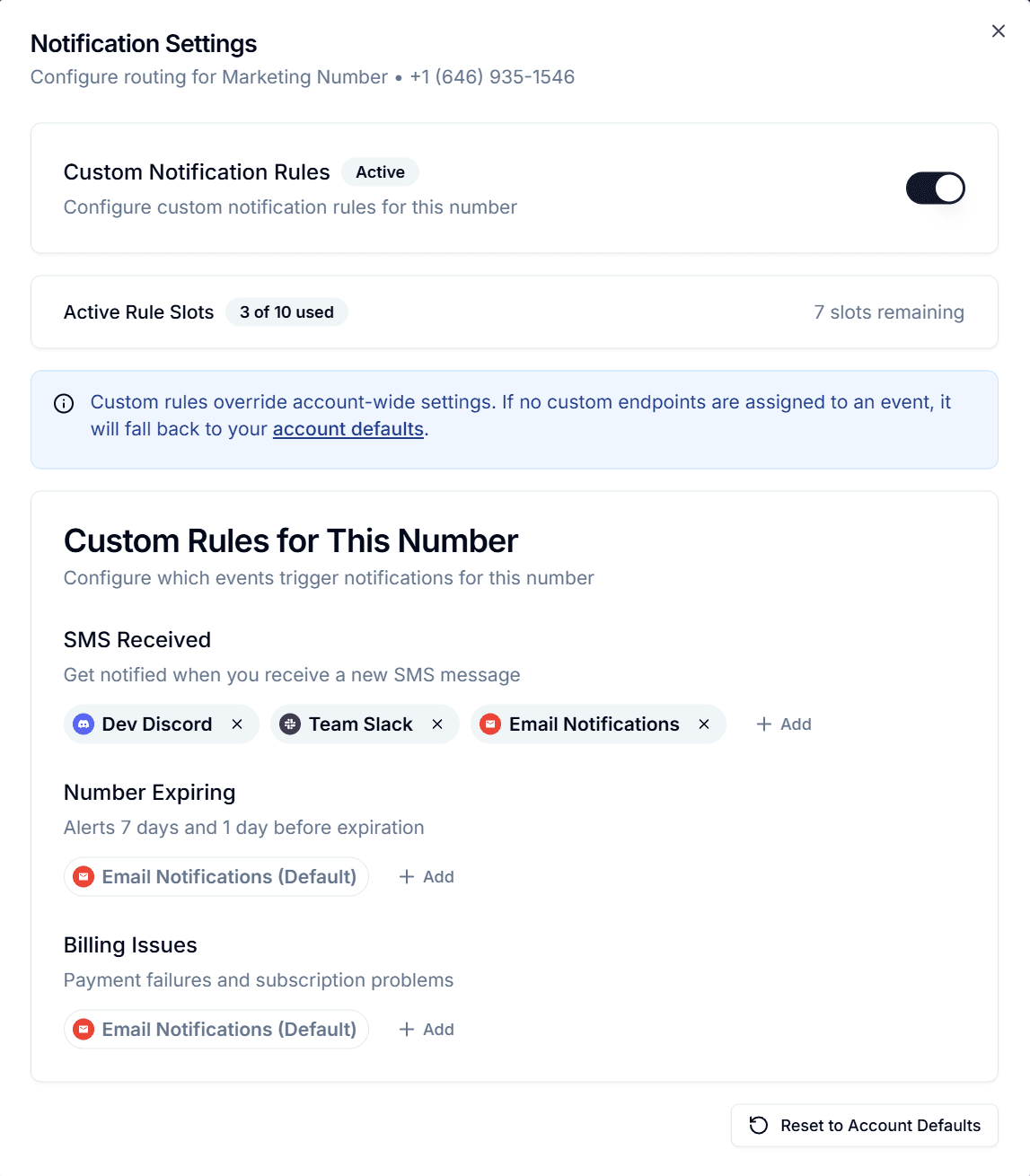
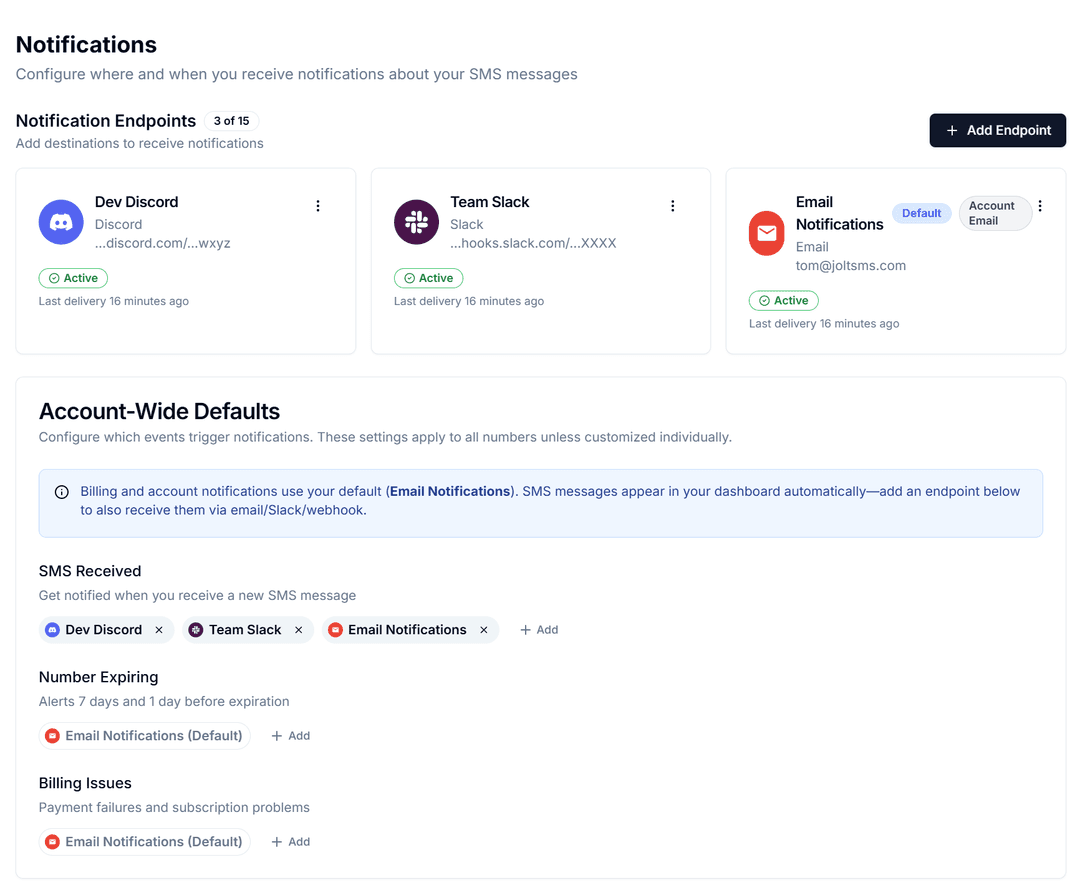
If enabled, JoltSMS forwards the same message to your destinations.
Reliability & deliverability
- Dedicated numbers reduce cross-tenant reputation issues common with free sites.
- We monitor carrier delivery success, ingestion latency, and integration fan-out.
- Some services apply risk checks (IP/geo/velocity/fingerprint). Your environment still matters.
See also: Number Cannot Be Used • Missing or Delayed Codes
Tip: Keep geography consistent (IP ↔ number country), avoid repeated failed attempts, and use clean browser profiles.
Security & privacy
- Numbers are private to your account during rental.
- You control integrations and can revoke them anytime.
- Team controls available (roles & scoped access) if collaborating.
Billing (at a glance)
- Each number has a rental term; renew before expiry.
- Invoices available under Account → Billing.
- Refunds/cancellations: see Refunds & Cancellations.